Tinkbud: Play & Discover

Make a move.
Then try another way.

Hands-on iPad games for preschoolers, where your child builds with blocks, draws grooves in sand or guides a sheep home.

iPadIn developmentPlanned: some free, the rest one-time purchases
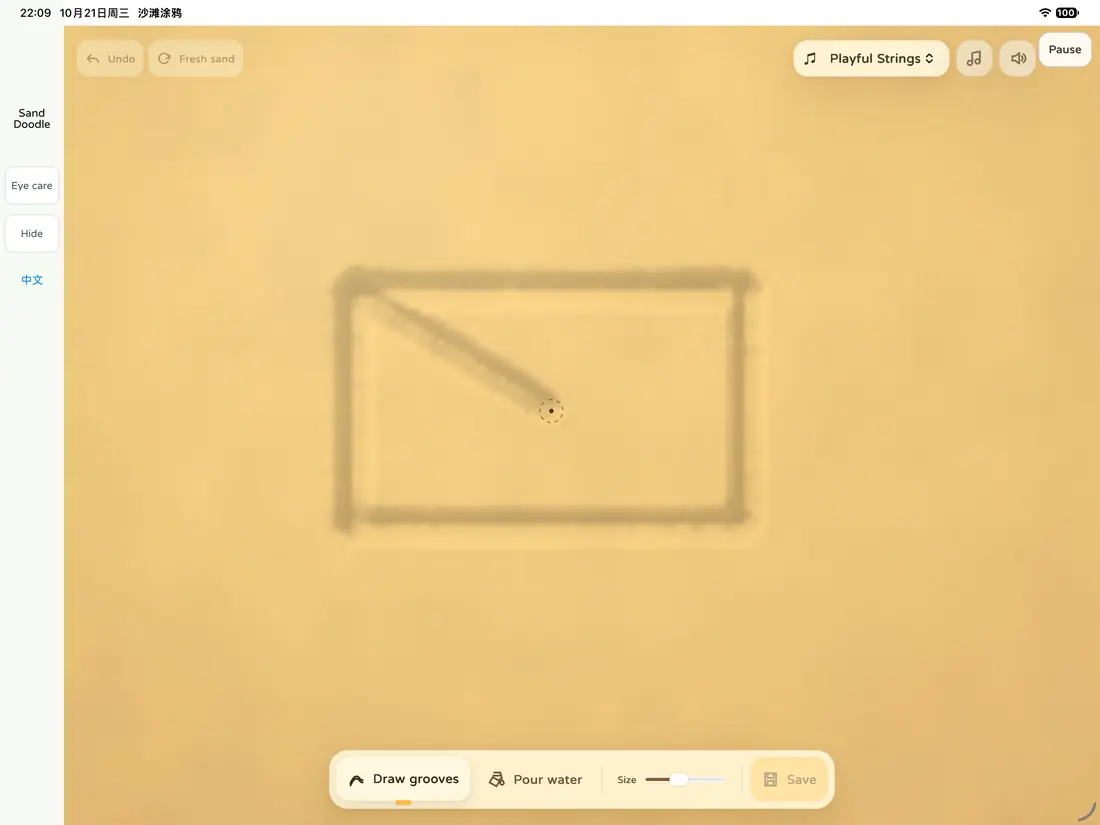
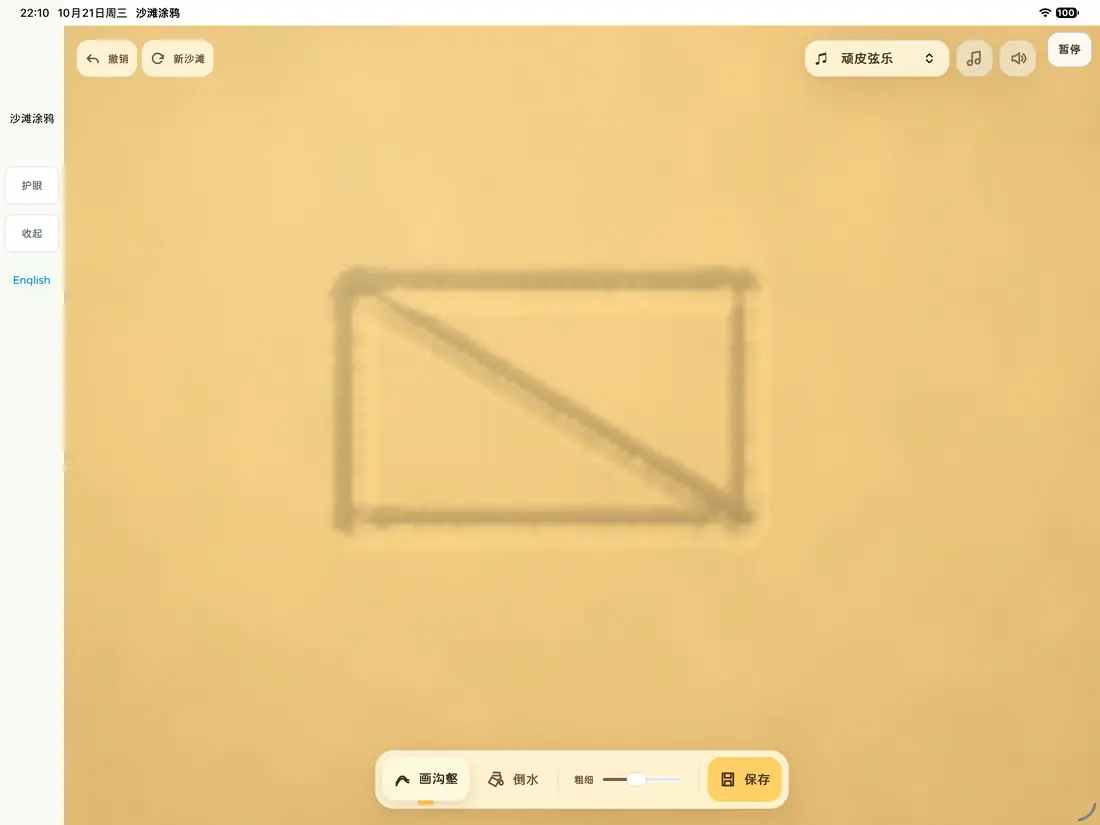
A drawing in progress in the sand tray A finished drawing in the sand tray
These screens are from an early version, before the app was renamed. The current app may look different.

How it works

Pick an activity

Building, puzzles, drawing, strategy or everyday scenes: start with one your child likes.

Make a move

Each move shows a result: blocks fall, water fills a groove, the sheep takes a new path.

Try another way

If it didn't go as planned, try it a different way.

11 planned activities

Loose Blocks Playground · Theme Building

Open a woodland, courtyard or seaside set, then let the blocks you pick arrange themselves or place them by hand.

Loose Blocks Playground · Curious Towers

Pick a few of 16 oddly shaped pieces, watch them fall together, and see whether the tower stands.

Cookie Shape Puzzles

The squirrel wants crisp edges and the rabbit wants soft centers, so shape the dough and bake cookies for each.

Dancer Swap Board

Swap neighboring dancers to bring your team back to its hall, alone or taking turns with someone on one screen.

Sheep Path Planner

The sheep walks home while other animals chase it; change its route with a few rocks and pools.

Sand Groove Studio

Draw grooves with a fingertip and pour in water to watch the sand get wet; there are no tasks and no winners.

Number Goal Strategy

Start from a number, then pick numbers and operations to get closer to a target.

Open Valley Playground

Walk, climb and jump through valleys, set down white towers as landmarks, and fly between them from the map.

Ding Dong, Which Floor?

Tap floor buttons and watch the elevator stop, open its doors and take waiting animals to their floors.

Little Produce Truck

See how much fruit or how many vegetables arrive, choose a truck, and watch what each trip carries and what's left.

My Little Veggie Garden

Choose a vegetable and a planting shape, watch the seedlings grow, then tap to harvest.
Why we made it this way

Many activities have no single right answer. A tower that stands and one that topples are both part of play, and trucks of any size can finish the delivery.

A grown-up can help with the first move, then leave room for the child. Before suggesting a fix, ask what they'd like to change.

These are hands-on activities to explore. They haven't been tested with families yet, and we don't promise they'll teach anything in particular.

There's more than one way.

For parents

Play time

Planned: parents choose how long to play. The early version does not have this setting yet.

Price

Planned like Help the AI: some activities free, the rest one-time purchases that unlock for good, with no subscription. Which ones are free and what they cost will be clear before launch.

Devices

Designed mainly for iPad. Supported devices and system requirements will be shared before launch.

Records and sharing

Some activities keep finished levels on this iPad, without syncing to other devices. A grown-up confirms before a picture is shared.

Parent settings

Settings and the parents’ area are still being built. Before launch, purchases and settings will sit behind a parental gate.

Read our privacy notes

Where it stands

All 11 activities exist in early versions and their content is largely done. We are now unifying the interface across activities and building the settings and parents’ area. We will post a launch date here once it is set.

Questions

Where can I download it?

Not yet. The app is in development, and we'll say so here when it's available.

Do Tinkbud and Glimpip come together?

No. They're separate apps, bought separately; one doesn't include the other.

What age is it for?

Formal age guidance will come before launch.

Can we keep a block build?

You can export it as a picture, but the picture can't be reopened to keep building. Once you close it, that build isn't kept.

What's the age setting in Number Goal Strategy?

It sets the game's difficulty. It isn't an age rating and doesn't promise any learning outcome.

See the studio's other apps