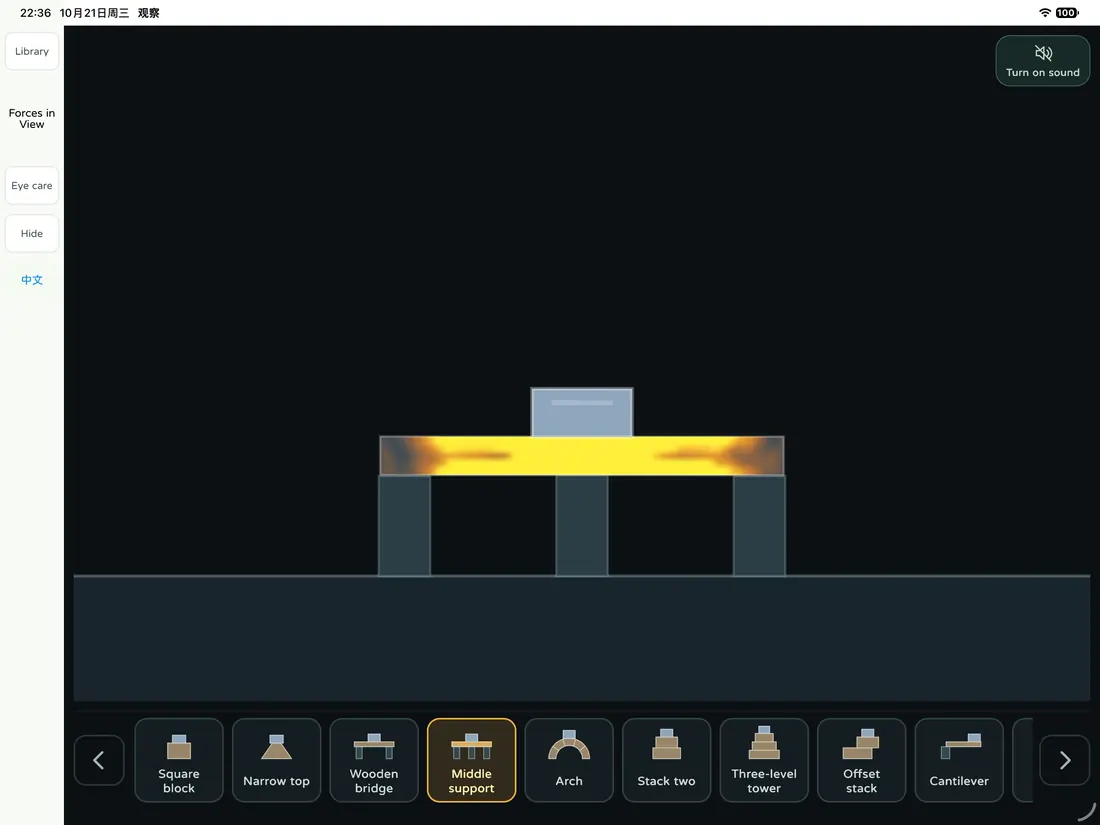
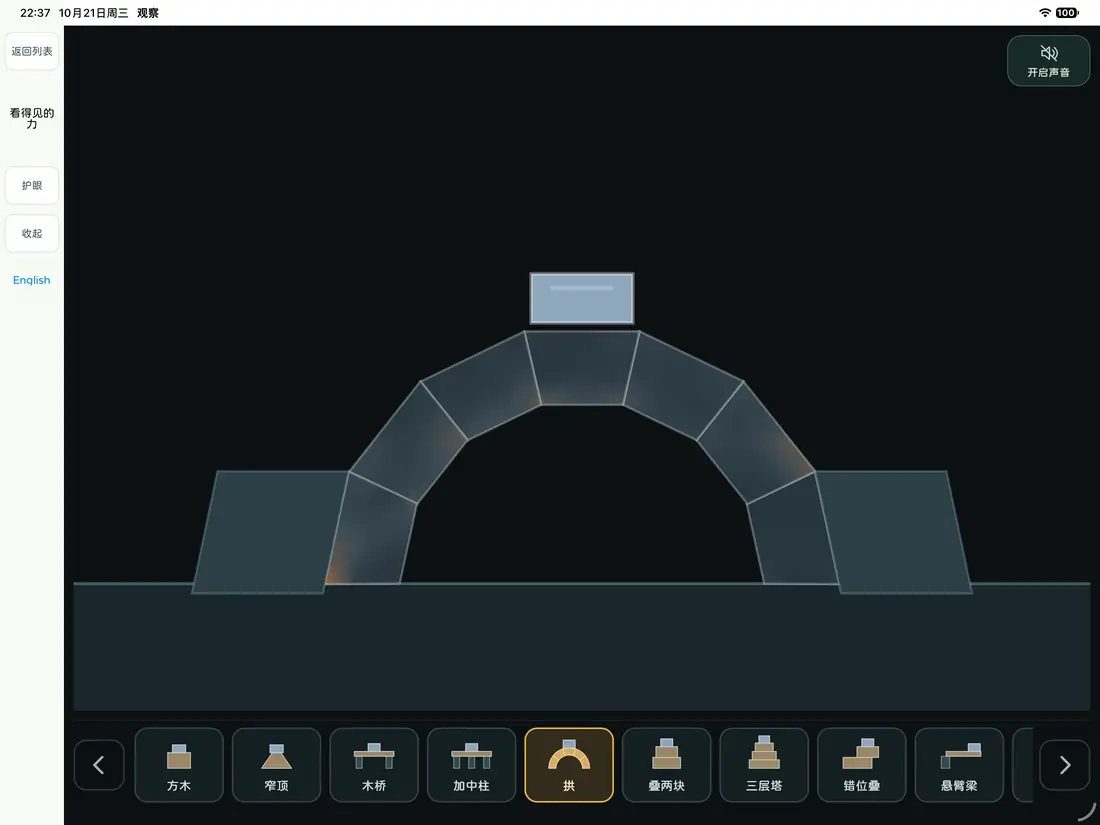
These screens are from an early version, before the app was renamed. The current app may look different.
How it works
Guess
Pick a scene and ask your child, “What do you think will happen next?”
Watch
Follow along and notice what changes.
Compare
Did it match the guess? Try another structure and look for what's different.
5 planned activities
Block Lab
Place wooden blocks and balls on a stage and watch them balance, collide and roll, or try a bridge or a domino run.
Little Car Outing
Follow a car through a little town as it waits at lights, turns and finds its stops; the trip runs on its own.
A Car That Gives Way
Look out the windshield as a car judges the gaps, slows down, passes and changes lanes on a valley road.
Forces in View
A weight presses slowly on blocks and bridges, and changing colors show where the load goes.
Little Shape Radar
Solid shapes turn as they come closer while the radar finds its target; tap a shape and a color shows whether it matches.
Why we made it this way
Some changes are hard to see, like where the weight goes in a block tower or why a car slows down. Glimpip slows some of them down or marks them in color, so there's time to look.
Not every moment needs to be a quiz. If your child wants another look, watch it again. In Little Shape Radar, taps aren't scored and there's no countdown.
These are activities for watching and exploring, and their learning effects haven't been tested with families.
Discover patterns in motion.
For parents
Watch time
Planned: parents choose how long to watch. The early version does not have this setting yet.
Price
Planned like Help the AI: some activities free, the rest one-time purchases that unlock for good, with no subscription. Which ones are free and what they cost will be clear before launch.
Devices
Designed mainly for iPad. Supported devices and system requirements will be shared before launch.
Records
A Car That Gives Way keeps best scores on this iPad without syncing. Other activities start fresh when reopened.
Parent settings
Settings and the parents’ area are still being built. Before launch, purchases and settings will sit behind a parental gate.
All five activities exist in early versions and their content is largely done. We are now unifying the interface across activities and building the settings and parents’ area. We will post a launch date here once it is set.
Questions
Where can I download it?
Not yet. The app is in development, and we'll say so here when it's available.
Do Tinkbud and Glimpip come together?
No. They're separate apps, bought separately; one doesn't include the other.
Does my child have to keep tapping?
No. Some scenes play on their own and are mostly for watching; in others you can place things or tap.
Are the force colors and car rules real?
They're simulations. The colors help you see what's happening and are sometimes boosted to be clearer, so they aren't engineering measurements. The cars follow this simulation's own rules, not real traffic rules.